Low-Poly Precision Outline Shader for Godot 4
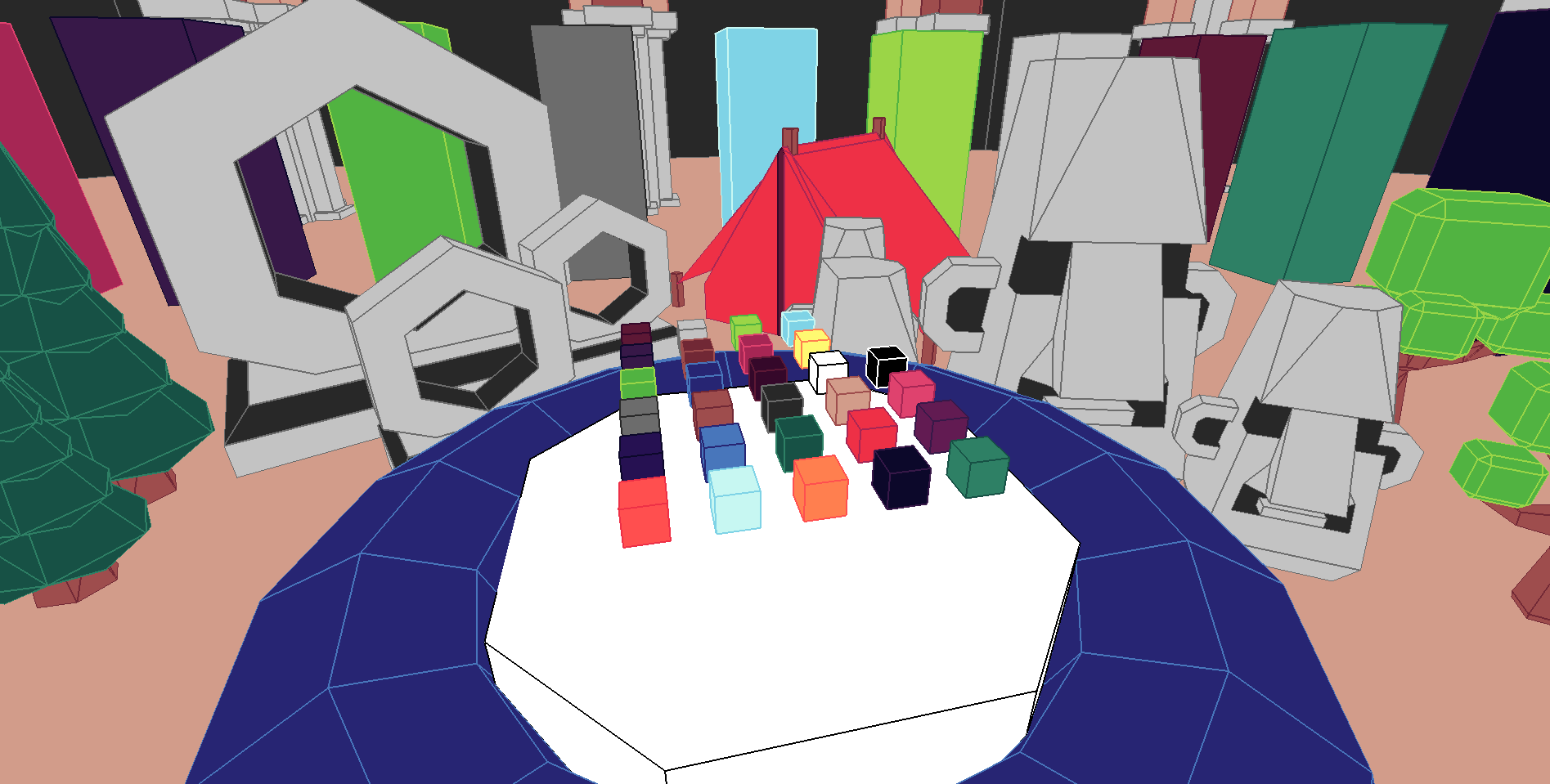 A collection of scripts and shaders for enabling outlines to be rendered accurately and precisely without traditional issues with outline shaders, such as unwanted artifacts. It also supports multiple colors of outlines, with multiple base colors, while still combining the outlined materials down into one material. Uses pre-computed surface maps to render accurate outlines. It supports Web. Mobile, and Desktop renderers.
By purchasing this plugin, you acquire the rights to use this plugin in commercial games/media. If you would like to receive a copy for free and open-source software, please contact me at ian@sol.vin. Thank you!
(MODELS IN DEMO FROM KENNEY ASSETS: https://kenney.nl/assets/nature-kit)
==============================
Important Classes
==============================
OutlineMesh - Special version of ArrayMesh that compiles surfacing information into the UV2 channel in the mesh. Looks for OutlineMaterial and combines them down into one final material.
OutlinePalette - Takes a list of base color to outline color matchups to be used in your model. Creates all the material files and places them into a directory. Modifies globals to pass color data to shaders.
OutlineMaterial - A base color plus an outline color which is to be put on a model before the PolygonMesh surface coloring algorithm.
==============================
Important Files
==============================
shaders/screen_space_shader_quad.tscn - The screen-space view quad, must be put into the scene and made visible for the outline shader to work. Draw things on render priority 2 or higher to bypass the outline shader.
shaders/screen-space-outline.gdshader - GDShader code for the screen space outline effect. Turns the screen texture data into outlines.
shaders/outline.gdshader - Takes the UV2 model data and draws it to the screen packing the colors into discreet values to be read and interpreted by the screen space shader.
shaders/colors.gdshaderinc - The palette of colors indexed. This file gets updated when OutlinePalette rebuilds it's OutlineMaterials.
materials/pre-outline.material - This material is put onto the before PolygonMesh does it's pre-computation.
materials/outline.material - This material is put onto the model after PolygonMesh does it's pre-computation.
materials/texture.material - This material can be used to add textures that respects outlines. Does not work on mobile, unfortunately :(.
==============================
General Process
==============================
1. Set up and build an OutlinePalette
2. Import a mesh into Godot
3. Replace mesh surfaces with newly created OutlineMaterial
4. Save mesh as a resource
5. Create a MeshInstance3D
6. Create a new OutlineMesh
7. Load the saved mesh using the OutlineMesh "Load" options
8. Click Rebuild
9. Select the location you would like to save your mesh
10. Click Save
11. Reload saved mesh into MeshInstance 3D
12. Done! Precompiled surface data is stored in your mesh
==============================
IMPORTANT WARNINGS
==============================
You can only use a finite amount of colors, and you need to define them ahead of time. This is due to the way data is stored between the material and the screen space shader. There is a limit to how many colors can be used, but there are feasibly around 1,024 colors that could be used at any given time. Any more than that may break down due to floating point issues.
OutlineMesh replaces any UV2 data in your model. Other model data will be preserved, however, this process also unmerges vertexes. This is a byproduct of the process as the resulting vertex data cannot be merged due to the vertex data being different for multiple faces that share a vertex position. OutlineMesh snaps vertex positions to a grid size, this prevents a marching ants problem between polygon faces. If you have issues with gaps between faces play with OutlineMesh's snap_size variable.
Mobile does not support textures, not sure exactly why but I could never get it to work.
If you buy this product, THANK YOU! If you need basic support or have questions/comments feel free to leave a topic in the discussions!
Purchase
In order to download this shader you must purchase it at or above the minimum price of $2.99 USD. You will get access to the following files:
Download demo